Definition
Fragmentor defines two types of pages: regular pages and CMS pages.
- Page
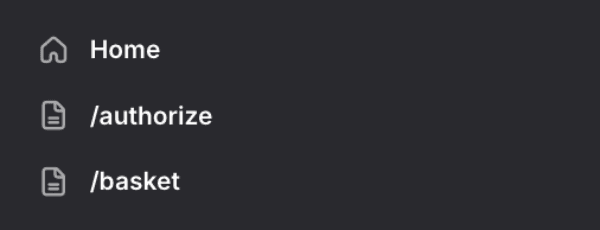 Regular pages are ideal for static content that does not change often.
 - CMS Page
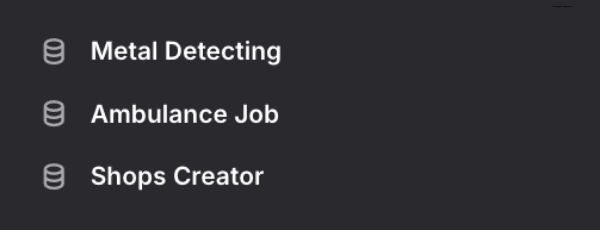 CMS pages are designed for dynamic content that may change frequently and can be managed through a content management system (e.g. Tebex).
In practice, the only difference between the two is that CMS pages contain an additional Context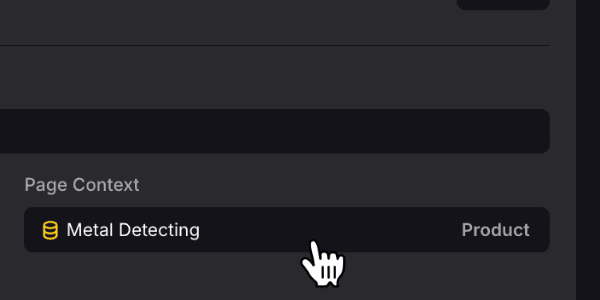 field that refers to a CMS item. This CMS item is used to populate the page with dynamic content. In fact, every fragment with a data source set to Automatic
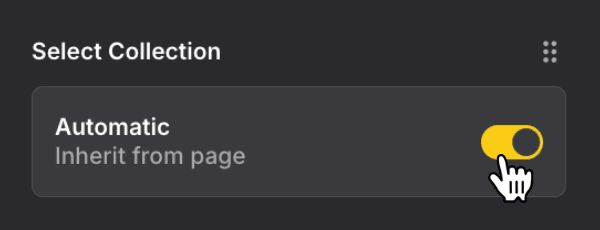 , will use the linked CMS item to fetch the relevant data. This is especially powerful when used in conjunction with templates.
Create Page
In order to create a (regular) page, open the Pages pane from the sidebar and click the Create Page
 button. A small popup will open and ask you to specify a unique page slug (required) and a template to assign (optional). Submit the details and a new (regular) page will be added.
It is also possible to sync pages from a CMS system. For Tebex in particular, you can see two types of CMS collections : Product and Category. By clicking the Sync
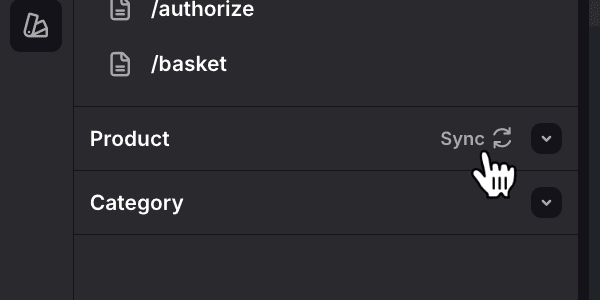 button, all products/categories from Tebex will be important and a page for each one will be created.
Any CMS pages that are created during the synchronization process will be assigned a template named according to the CMS collection.
Edit Page
Now that a new page was created, you can select it and start adding fragments.
You can edit the page's settings by clicking the Settings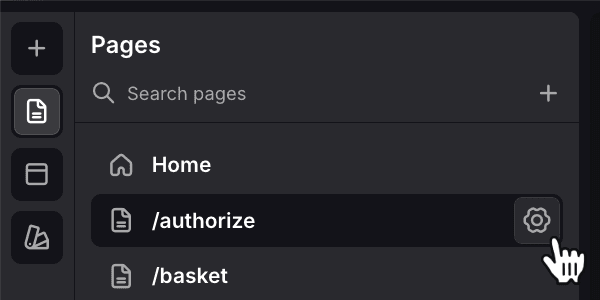 button next to the page name. Here, you can update the slug, change the template, or adjust several SEO-related settings (title, description, image). By changing the Appearance
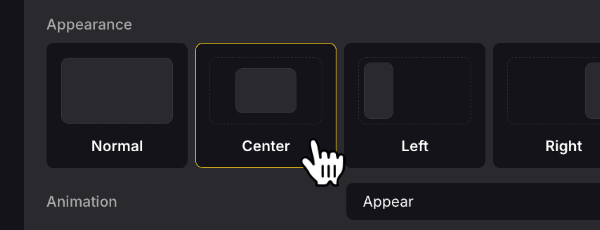 of the page, you can turn a page into a modal/popup or sidebar. With the correct subscription, you can also inject custom code.
At the very bottom of the page settings, you can choose to delete the page.