Create Project
To create a new project, go the dashboard and click the New Project button at the top right corner.
On the right side of the project creation page, you can select a starter template to get started quickly, or start from scratch. On the left, you are asked some details about your project such as its name, Tebex API key, etc. Those details depend on the starter template you have selected.
When creating a project, you can enable the use AI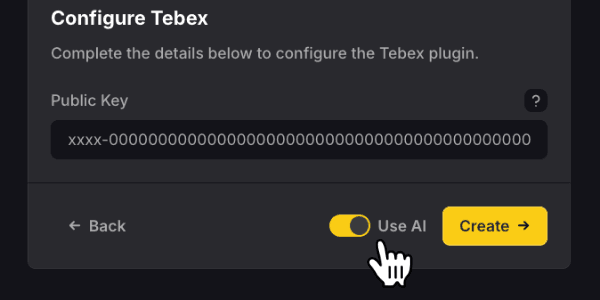 feature to have the project prefilled with content related to your Tebex store.
Publish Site
In order to publish your site and have it live on the web, you need to click the Publish button at the top right corner of the editor. This button will prove useful each time you make changes to your website.
Each project receives a unique base domain for preview purposes. In case you would like to use a custom domain or a (free) Fragmentor subdomain, you can configure it in the project settings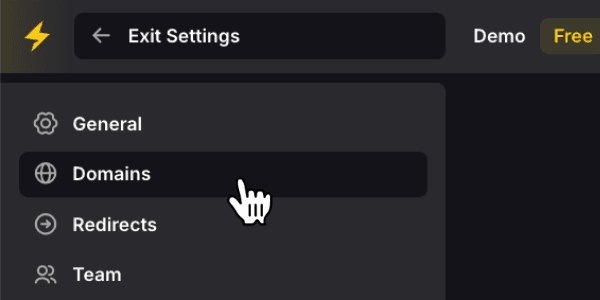 .
.